Secret mode
Secret mode keeps what you work on out of sight and out of this browser's memory: for when someone may look over your shoulder, or the computer is shared. It is a setting of one browser, not a lock: read What it does not do before relying on it.
Turning it on and off
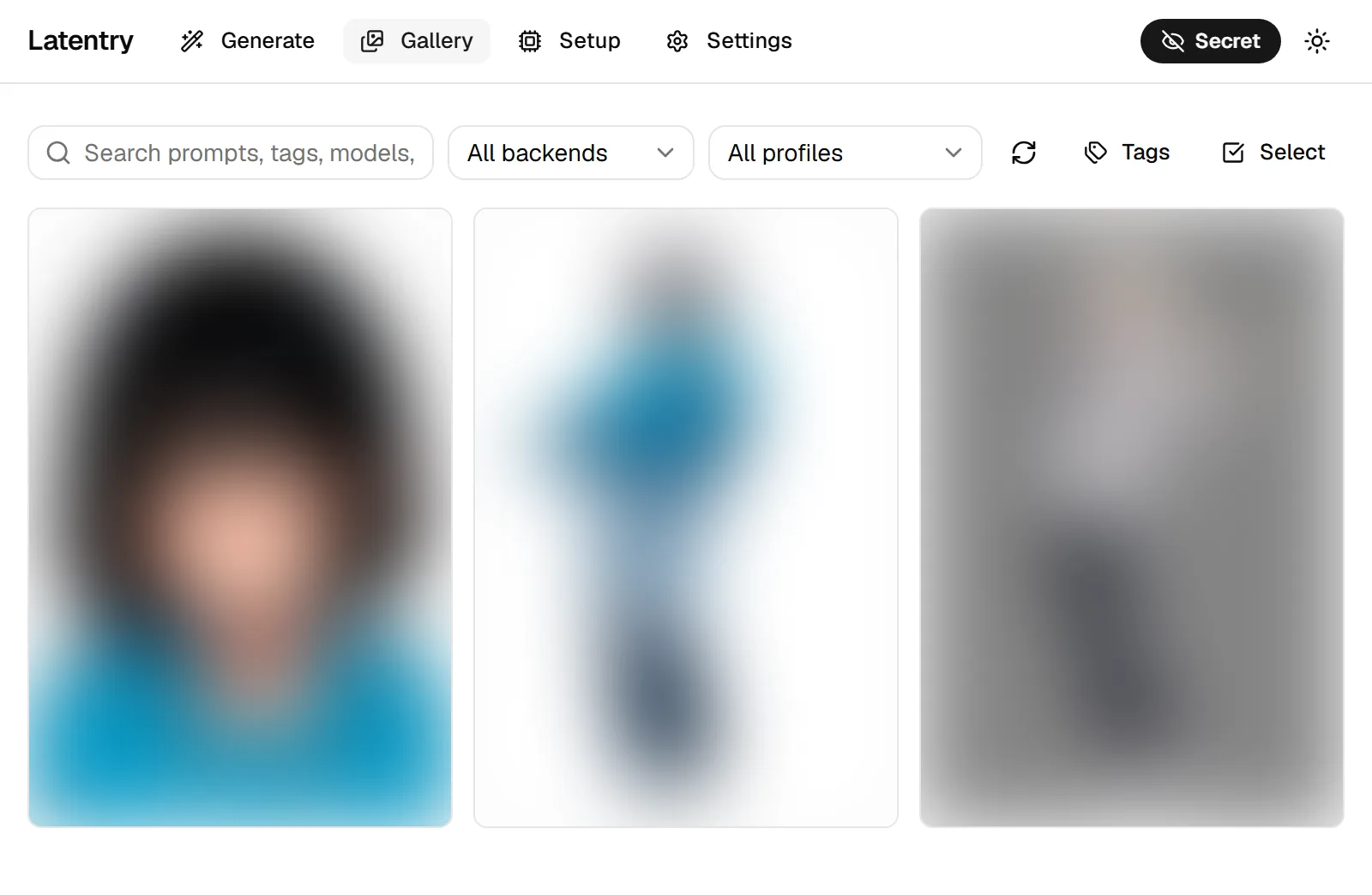
Click the eye at the top right. While secret mode is on, the button is a filled Secret pill with a crossed-out eye, on every page; off, it is a plain eye. Click it again to turn it off.
The full-size viewer, in the gallery and for a run's results, has the same eye in its own bar, so you can turn secret mode on (or off) without closing the picture. Turning it on, from either place, blurs everything again, including pictures you had chosen to show.
The setting is remembered by this browser, so a reload keeps it. Another browser, or another device, has its own setting.
What it does
Nothing you type is kept in the browser. The generate form and the prompt shared across backends are not written to the browser's storage while secret mode is on. They stay on screen until you leave the page. What you typed before turning it on is kept as it was.
Characters saved in secret mode are temporary. Characters saved before can be applied as usual. A character saved while secret mode is on is marked temporary in the list: it stays in this tab, across pages, and disappears when secret mode is turned off (or the tab is closed or reloaded). Deleting a character deletes it for good, in either mode.
The gallery hides what is in it.
- Thumbnails in the gallery and in the gallery picker (when choosing a source picture) are blurred, and their captions and tags are hidden. The picker opens in the page, not over it, so the header's eye is still in reach while it is open.
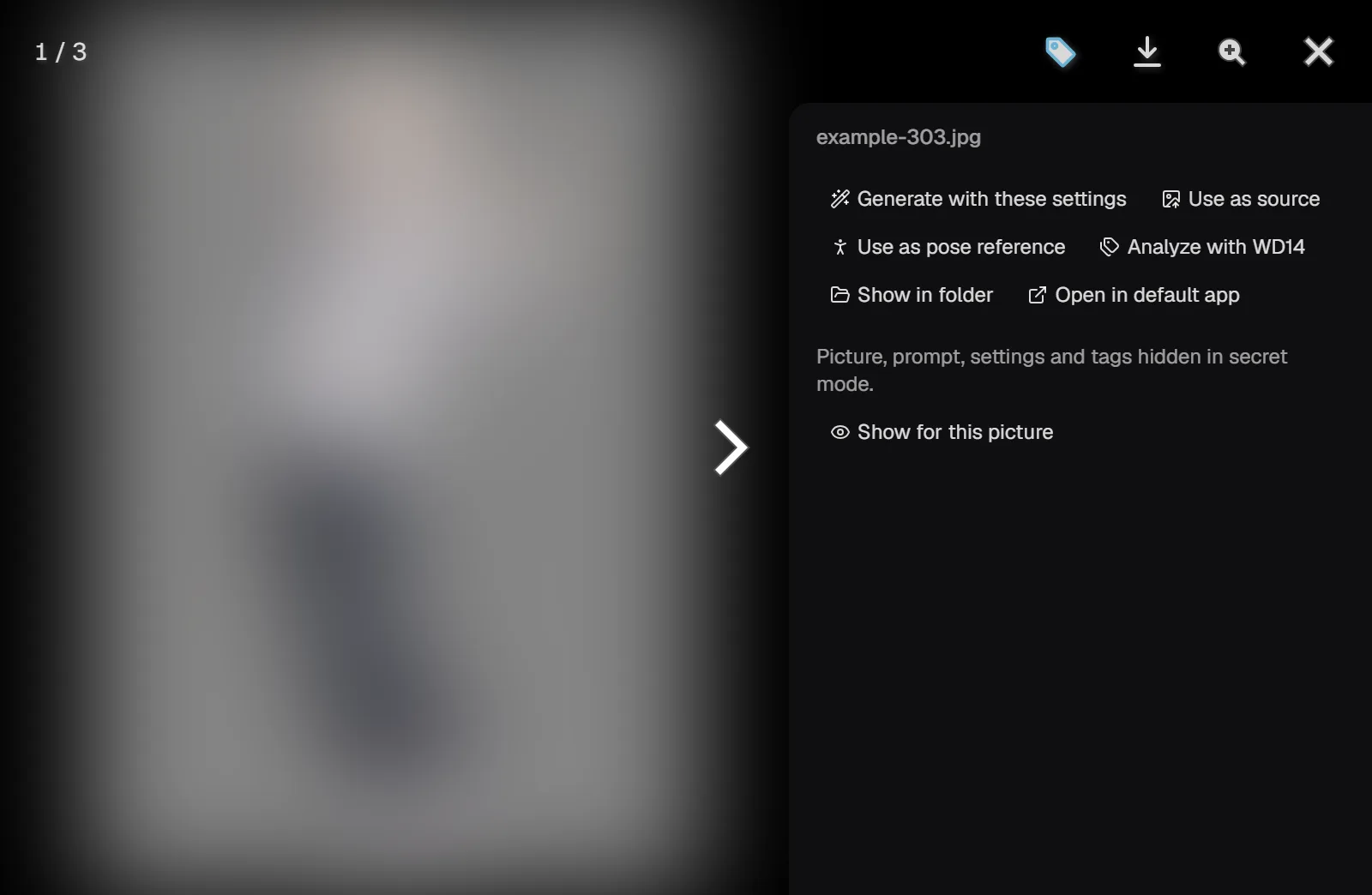
- Opening a picture shows it blurred, with the side panel open and its prompt, settings and tags hidden. Show for this picture reveals the picture and all of that while it stays on screen. Moving to another picture blurs and hides again, and so does coming back to it or closing the viewer.
- Compare blurs both pictures and hides their differing settings and tags. Show for this comparison reveals them until the comparison is closed.
- Analyze with WD14 still works and saves the tags into the file. The panel says how many tags it found instead of listing them.
The generate page blurs pictures too.
- A run's results, and the full-size view of them, are blurred until Show results, and Blur results hides them again. That lasts for the run on screen; the next run starts blurred again.
- The source picture is blurred, both its preview and the mask editor, with your strokes drawn sharp on top. Show picture shows it, Blur picture blurs it again; one switch covers both. A click on the preview does nothing, so a stray tap never shows it. A new source starts blurred.
- When a pose reference has several people, the picture to choose from is blurred, with each person's numbered box drawn sharp on top, so you can pick by where they stand. Show picture and Blur picture switch it; another picture starts blurred. The skeleton itself is lines only.
Settings sent from the gallery stay in this tab. Generate with these settings, Use as source and tags sent to the prompt reach the form in the same tab, not in another tab, and are not stored on the way.
A run belongs to the page that started it. Normally a run lives on the server, so a reload, another tab or another device picks it up. In secret mode it is shown only on the page that started it. If that page is reloaded, the run carries on and its pictures are still saved, but the page does not pick it up again. The server forgets the run, images and prompt, a minute after it ends. Going to the gallery and back does not bring back the page's Earlier runs or its queue either: once a page has been in secret mode, the tab keeps none of its runs, even after secret mode is turned off. A reload starts the page afresh.
Runs waiting in the queue stay with their page. The page that queued a run is the only one told which it is, in secret mode or not, and in secret mode it does not show even the start of its prompt. Turning secret mode on while runs wait makes them secret runs once they start. The same goes for an X/Y grid: turned on while it waits or runs, every cell becomes a secret run, the ones already drawn included. Save sheet is not offered in secret mode, and the server refuses it.
Turning it on during a run makes that run secret. Turned on while a run is going, or within a minute of its end, the run becomes a secret one from then on: a reload, another tab or another device no longer picks it up, and it is forgotten a minute after it ends. Turning secret mode off again does not make a secret run ordinary. Pictures another tab or device already received stay received, and the pictures are saved to the gallery folder as always.
A ComfyUI backend is tidied up after a secret run. When a secret run on a ComfyUI backend ends (or is marked secret within a minute of its end), Latentry deletes its prompts from ComfyUI's history and overwrites the source, mask and skeleton it uploaded with an empty picture. Ordinary runs leave ComfyUI's history as it is, and the next run of the same kind replaces the upload.
Pictures are not kept in the browser's cache. This is true in either mode: gallery pictures and thumbnails are fetched again each time instead of being stored on disk by the browser.
What it does not do
These are by design:
- Pictures are still saved to the gallery folder, with their prompt and settings inside the file, as in normal mode.
- The gallery shows them like any other picture, prompt included, to anyone who can open it without secret mode: another browser on this computer, or another device when Latentry is open to the network. The server cannot tell who is asking for the gallery.
- The backend sees everything it is sent. What an A1111 / Forge or other server does with prompts and pictures is up to that server. Only a ComfyUI backend's history and uploads are taken back (above); its own logs, and a ComfyUI shared with other people, are out of Latentry's reach.
- The page you are on shows what you are doing: the form, your mask strokes, and any picture you choose to show.
- Download in the viewer saves the picture as any download does: it is in the downloads folder and the browser's download list.
- Turning secret mode off does not throw away what is on the form: from the next change, the form is remembered again, words typed in secret mode included. Clear the prompt first if they should not be kept.
To keep a picture out of the gallery, move or delete its file from the gallery folder.